


Start to learn
Foundational Spektrix Skills
Start with the bite-sized Core Concept videos to understand the concepts. Register for an Instructor-led Training to gain hands-on experience, ask questions, and learn alongside other Spektrix users. Explore the self-paced eLearning to learn on your own schedule or refresh your memory on key tasks. As a Spektrix user, all of these resources are include in your subscription! Learn when and how you need.
Training modules
No training modules match the current filters.
-
(opens in a new tab)
Sales & Box Office
Selling Tickets 1
90 minutes
Sign UpLearn to effectively complete tasks in the Spektrix Sales Interface. In this class you’ll learn to:
- Search for Events & Instances
- Find, edit & add Customer Records
- Add & Edit Tickets in the Basket
- Take Payments, reserve, return & exchange tickets
-
(opens in a new tab)
Sales & Box Office
Selling Tickets 2
90 minutes
Sign UpContinue learning about the Spektrix Sales Interface. In this class you’ll learn about:
- Facilitated Transactions
- Offers, locks and overrides
- Ticket Printing
-
(opens in a new tab)
System Admin & Setup
Set Up 1: Pricing & Seating
90 minutes
Sign UpLearn how to set up Events in Spektrix. In this class you’ll learn how to:
- Navigate the Admin Interface
- Create Seating Plans
- Create and use Overlays
- Create a Price List using Ticket Types and Price Bands
-
(opens in a new tab)
System Admin & Setup
Set Up 2: Events & Event Instances
90 minutes
Sign UpContinue learning about Event set up in Spektrix. In this class you’ll learn how to:
- Create and schedule Events & Event Instances
- Set up Unreserved, General Admission Events
- Use the Bulk Instance Update Tool
-
(opens in a new tab)
System Admin & Setup
Set Up 3: Offers
90 minutes
Sign UpThe final session on Event set up in Spektrix. In this class you’ll:
- Understand Multibuy, X for Y and Package Offers
- Plan the components of each Offer
- Set up rules to apply Offers correctly
- Test that an Offer is working as expected
-
(opens in a new tab)
Communicate with your Audience · Explore Your Data
Exploring Data 1: Customer Segmentation
90 minutes
Sign UpLearn about segmenting your customer data in Spektrix. In this session you’ll learn how to:
- Use Segments to find and filter customers
- Apply AND/OR/NOT logic to further refine filters
- Create a basic Customer List
-
(opens in a new tab)
Communicate with your Audience · Explore Your Data
Exploring Data 2: Intro to Standard Reports
90 minutes
Sign UpLearn the basics of Reporting in Spektrix. In this class you’ll learn how to:
- Navigate the reporting tree
- Run and read standard reports in Spektrix
- Find the report you need using the ‘Guide to Standard Reports’
- Understand the difference between different reports
-
(opens in a new tab)
Communicate with your Audience · Explore Your Data
Exploring Data 3: Modify Standard Reports
90 minutes
Sign UpLearn how to modify and schedule standard reports in Spektrix. In this session you’ll learn how to:
- Read different report types
- Pull reports on demand and schedule them
- Modify and add criteria sets to standard Reports
- Filter reports with Customer Lists
-
(opens in a new tab)
Fundraising
Fundraising Essentials 1
90 minutes
Sign UpLearn how to use the Fundraising tools in Spektrix. In this class you’ll learn how to:
- Navigate the Opportunities Interface
- Organize Fundraising Data
- Track Individual Giving Moves Management
- Create and Manage Donor Records
- Process Donations in the Opportunities Interface
-
(opens in a new tab)
Fundraising
Fundraising Essentials 2
90 minutes
Sign UpContinue learning how to use the Fundraising tools in Spektrix. In this class you’ll learn how to:
- Create Households
- Process day-to-day Donations in Sales Interface
- Exchange a Ticket Refund for a Donation
- Edit Donations
-
(opens in a new tab)
Fundraising
Fundraising Essentials 3
90 minutes
Sign UpContinue learning how to use the Fundraising tools in Spektrix. In this class you’ll learn how to:
- Connect Donor Records through Relationships
- Track Organisational Giving Moves Management
- Create and Manage Pledges
- Record In-Kind Donations
- Soft Credit Customers for Donations
No training modules match the current filters.
Instructor-led Training: Additional Information
All our classes are interactive, online sessions with an expert Spektrix instructor. They’re great for building new users’ confidence or as a refresher on foundational knowledge for more experienced users.
- You must register for classes, please use the email address associated with your organisation.
- If you need to cancel your registration, please email education@spektrix.com.
- Classes have a maximum capacity of 15, so register early.
- Classes are offered on a weekly basis, across several time zones.
- You’ll need access to a PC or laptop as all classes are interactive.
- If you have access to a dual monitor you will find this an advantage.
- If you are on a single screen you’ll find it easier if you download and print the associated activity guide.
- All classes are included in your Spektrix subscription, so feel free to take or retake classes whenever you need.
- Each individual joining a class must register separately and join from a separate device.
- It’s strongly recommended that participants register for classes in the order shown.
-
(opens in a new tab)
Fundraising
Organising Your Fundraising Data
20-30 minutes
Launch CourseYou’ll use Campaigns and Funds to organise your fundraising data in Spektrix.
-
(opens in a new tab)
Sales & Box Office
Selling Tickets at the Box Office
15-25 minutes
Launch CourseA quick start course on how to login and sell Tickets for Events in Spektrix.
-
(opens in a new tab)
Communicate with your Audience
Integrated Emails
30-45 minutes
Launch CourseThis course follows the entire process of creating and sending an Integrated Email. Learn how to design emails with your Spektrix data, how to set up automation, and more.
-
(opens in a new tab)
Communicate with your Audience
Event Notification Emails
15-20 minutes
Launch CourseNotify customers about important Event information like cancellations, venue changes, or weather alerts.
-
(opens in a new tab)
Communicate with your Audience
Pre-Event Emails
30 minutes
Launch CourseLearn how to automate the delivery of emails to customers before your Events.
-
(opens in a new tab)
Communicate with your Audience
Post-Event Emails
20-35 minutes
Launch CourseLearn how to automate customer emails for after an Event.
-
(opens in a new tab)
Sales & Box Office
Managing Box Office Transactions
15-25 minutes
Launch CourseTopics Covered:
- Price Overrides
- Waiving fees
- Taking over Open Transactions
-
(opens in a new tab)
Sales & Box Office
Ticket Returns, Refunds, and Exchanges
15-25 minutes
Launch CourseThis course will teach you how to find existing Orders to return, refund, and exchange purchased tickets.
-
(opens in a new tab)
Sales & Box Office
Locks and Offers at The Box Office
15-20 minutes
Launch CourseTopics Covered:
- Customer Eligibility
- Selling and Clearing Locks
- Applying Offers
- Troubleshooting Offers
-
(opens in a new tab)
Sales & Box Office
Fixed Series Subscriptions at the Box Office
25-30 minutes
Launch CourseThis course covers the basics of selling Fixed Series Subscriptions to customers, how to manage Holds, and what to do if a customer requests a refund.
-
(opens in a new tab)
System Admin & Setup
How to Create a Tag
20-40 minutes
Launch CourseTake this course to learn how you’ll use customer segmentation to create Normal and Auto Tags in Spektrix.
-
(opens in a new tab)
System Admin & Setup
Fixed Series Setup
60-90 minutes
Launch CourseLearn how to set up a Fixed Series Subscription, the Event setup for general ticket sales, and how to roll a Fixed Series subscription over to a new season.
No training modules match the current filters.
Fillable Learning Paths
Meet your goals quick a quick PDF fill-out to find the best learning path for you across all of our learning material:
- Sales & Box Office
- Fundraising
- Communicating with your Customers
- Exploring Data
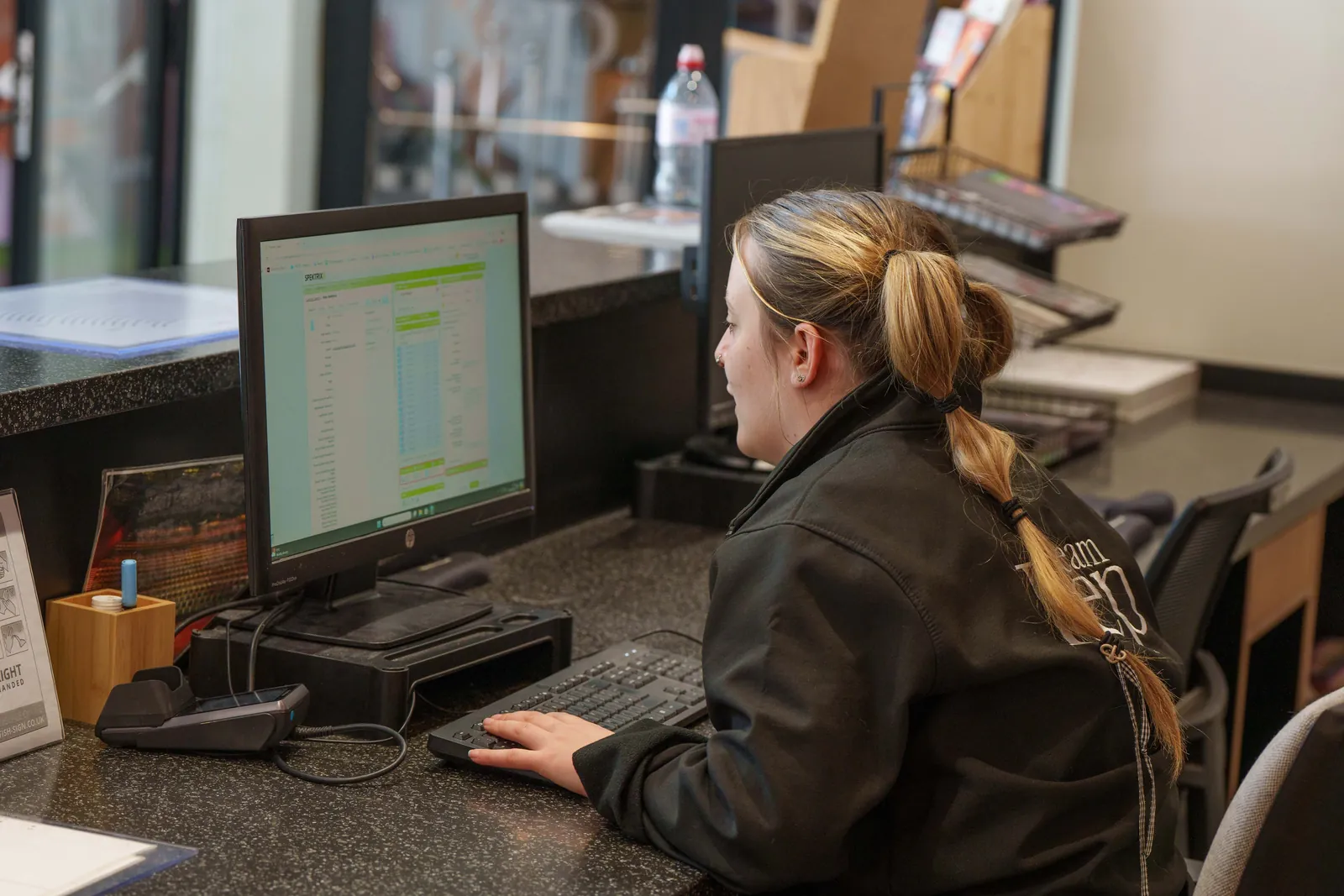
The Rep · Original Photography by Spektrix
