


Training
Spektrix Training
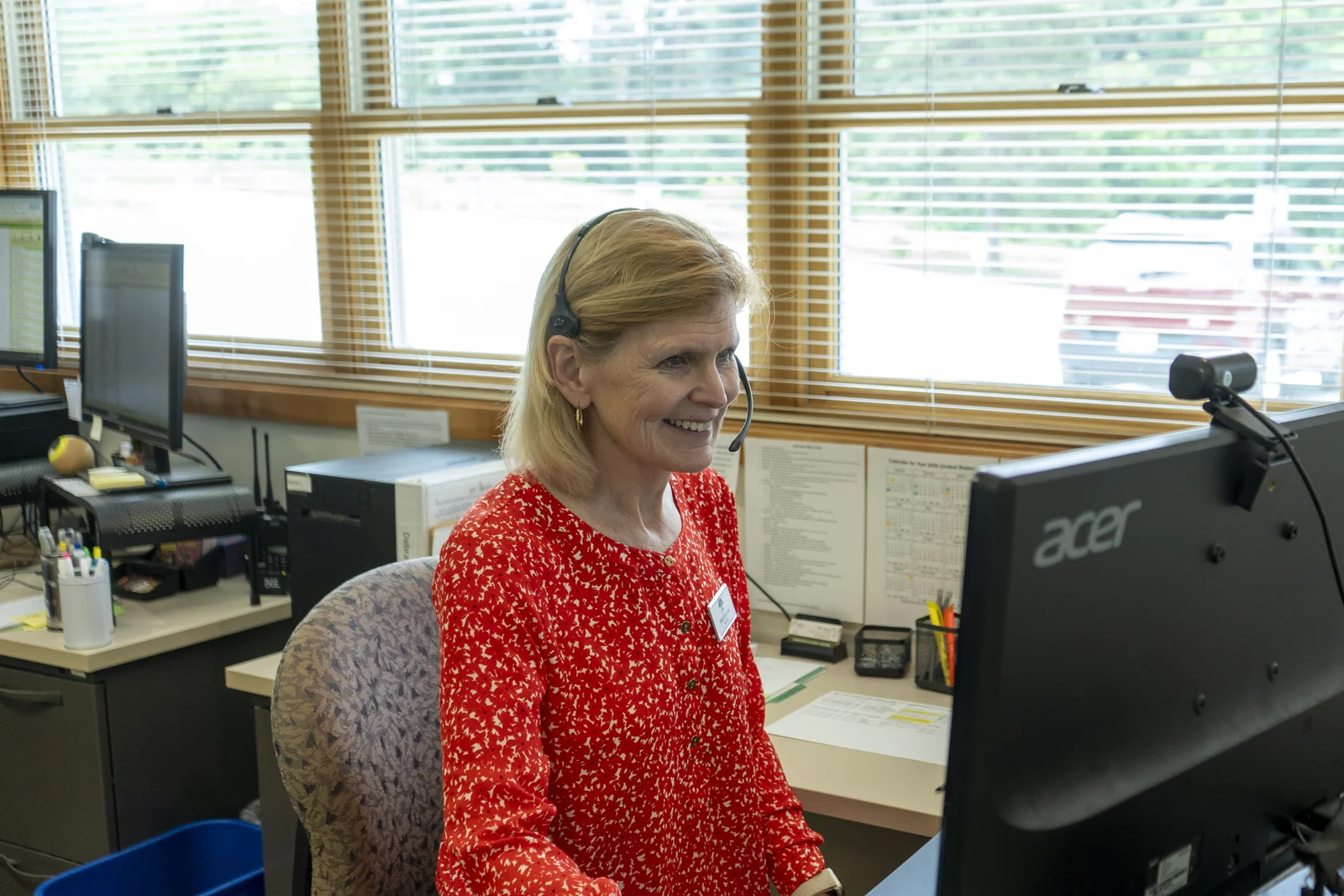
American Players Theatre · Photo by Hannah Jo Anderson
Spektrix Foundational Skills
Core Concept Videos
-
~5 min videos
-
Quick, digestible lessons
-
Learn essential vocabulary
-
Available on demand
Instructor-Led Training
-
90 min sessions
-
Live Q&A with experts
-
Hands-on Spektrix
-
Network with peers
-
Schedule weekly sessions
eLearning
-
25-90 min self-paced courses
-
Master key skills
-
Interactive modules
-
Available on demand
Learning Paths
All the resources you need to build a solid foundation in one place. Each learning path lays out a step-by-step programme of training courses that will help you gain confidence in a specific work area.
- Sales & Box Office: Learn to sell and return tickets and apply benefits and sales actions.
- Communicate with your Audience: Learn to segment customers, send marketing emails, and run Standard Reports.
- Fundraising: Learn to manage donors and gifts and process donations and pledges.
- Explore your Data: Learn to segment customers and run Standard Reports.
Dive Deeper
-
Support Centre
Got the basics down? These resources will help you master the powerful functionality in Spektrix.
Go to Support Centre -
Recipe Cards
Step-by-step instructions on how to achieve outcomes like removing duplicate records from your database, identifying first time attendees, or sending automated thank-you emails.
Explore Recipe Cards -
Activation Workshops
Activate key features in your system. Virtual, interactive group sessions where you’ll click along to step-by-step guidance with a Spektrix expert.
Browse Activation Workshops -
Activation Toolkits
Ready to achieve more with Spektrix? Content collections and guided learning to help you achieve your goals by following our expert advice and implementing key features.
Discover Activation Toolkits
Join the Community. Learn from your peers.
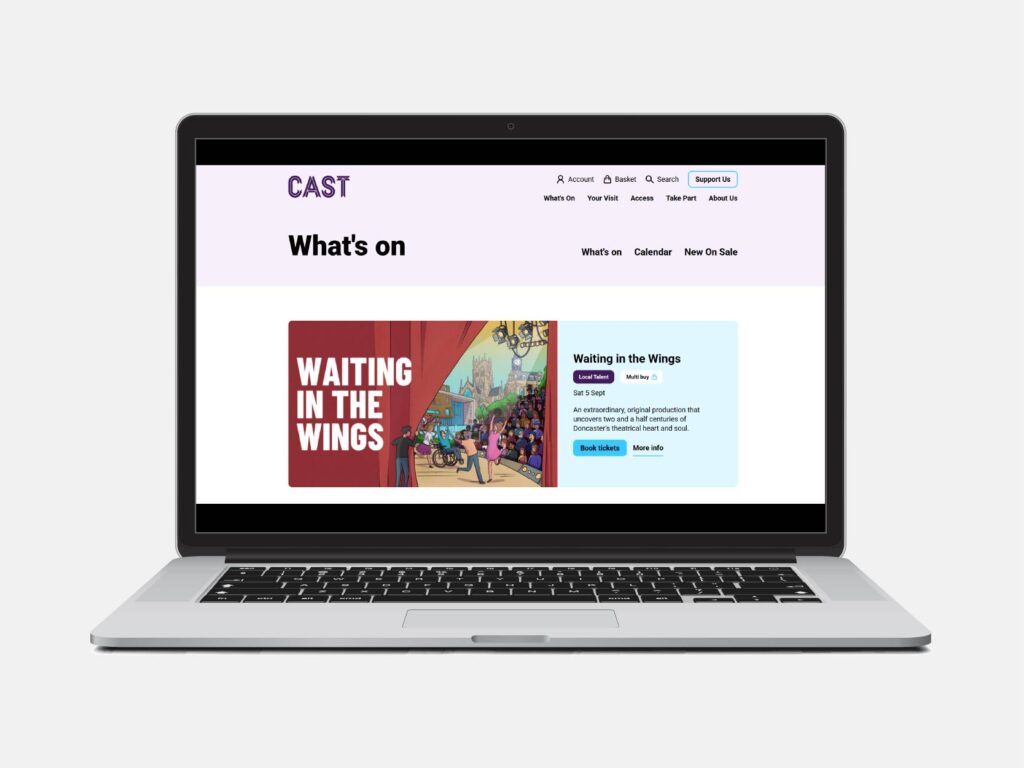

“Spektrix has always been a people-first company, but the Community really cements that. It feels like a virtual Hubs all year long, a warm, supportive space to share ideas, learn new things, and chat with the loveliest people.”
Get More Help
Upskill with an Expert
-
Activate an existing feature like loyalty programmes, automated emails, and more.
-
Analyse the data in your system.
-
Talk to us about getting started with partner solutions.
-
Upskill your team with workshops like our Asking for Donations workshop.
-
And much more! Reach out and we'll find the right approach for you.
