


Feature
Frictionless Checkout, Higher Conversion

Edinburgh International Festival · Photo by Andrew Perry
One-click checkout
Accelerate transactions by letting customers complete purchases with a single click via Apple Pay. By pulling all customer and card details directly from their digital wallet, it completely eliminates logins and manual data entry. Add the Apple Pay checkout option anywhere from seat selection to the basket page to maximise flexibility and power instant, pre-show upsells.
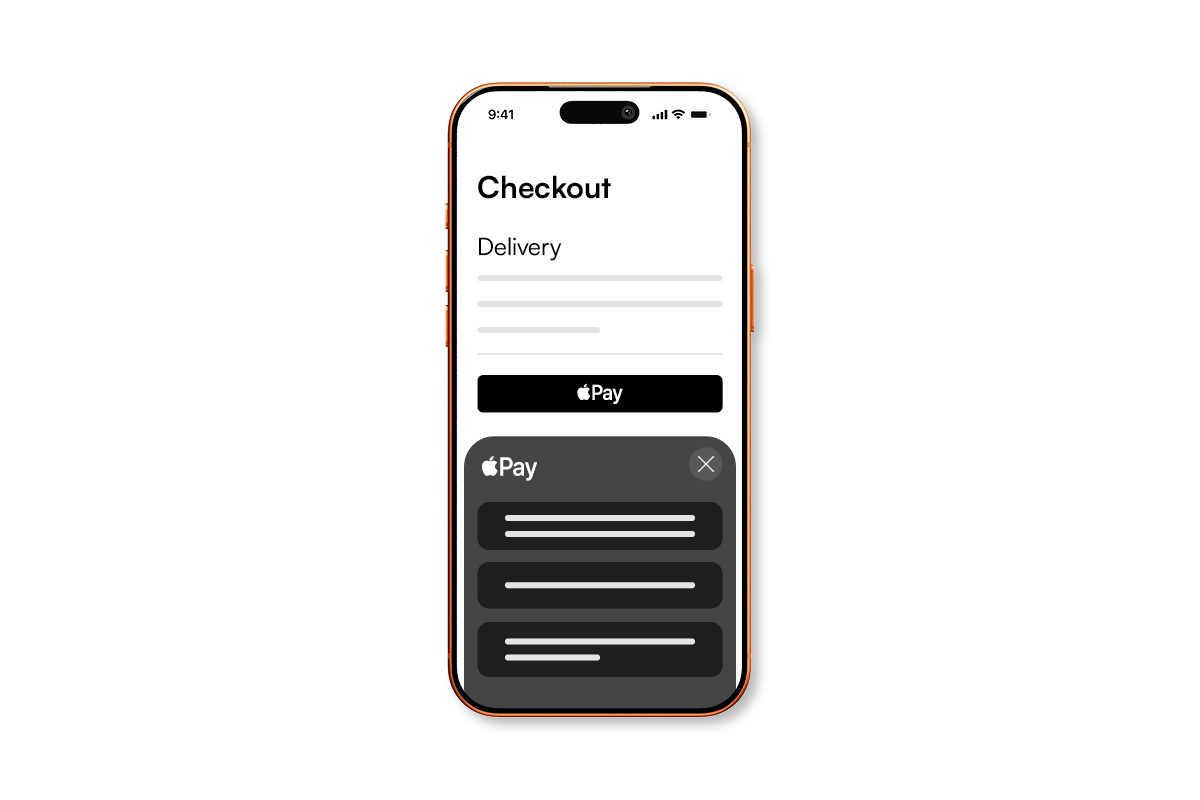
Direct checkout with customer record matching
Remove the barrier of passwords and account creation with a guest-style „pay-then-identify“ flow, ensuring you still capture complete customer records and purchase histories. No login, no passwords, and the system automatically matches existing accounts to avoid duplicates, or creates new records after payment succeeds.
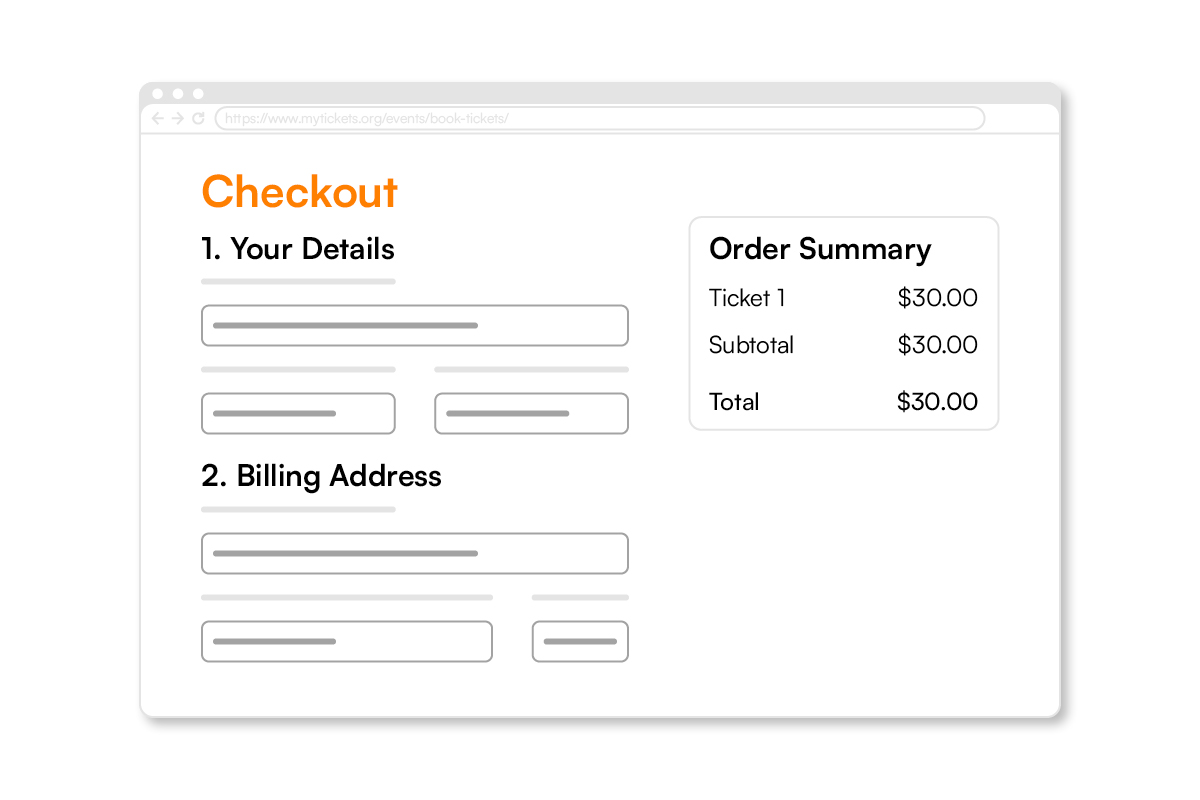
Flexible, low-friction supporting features
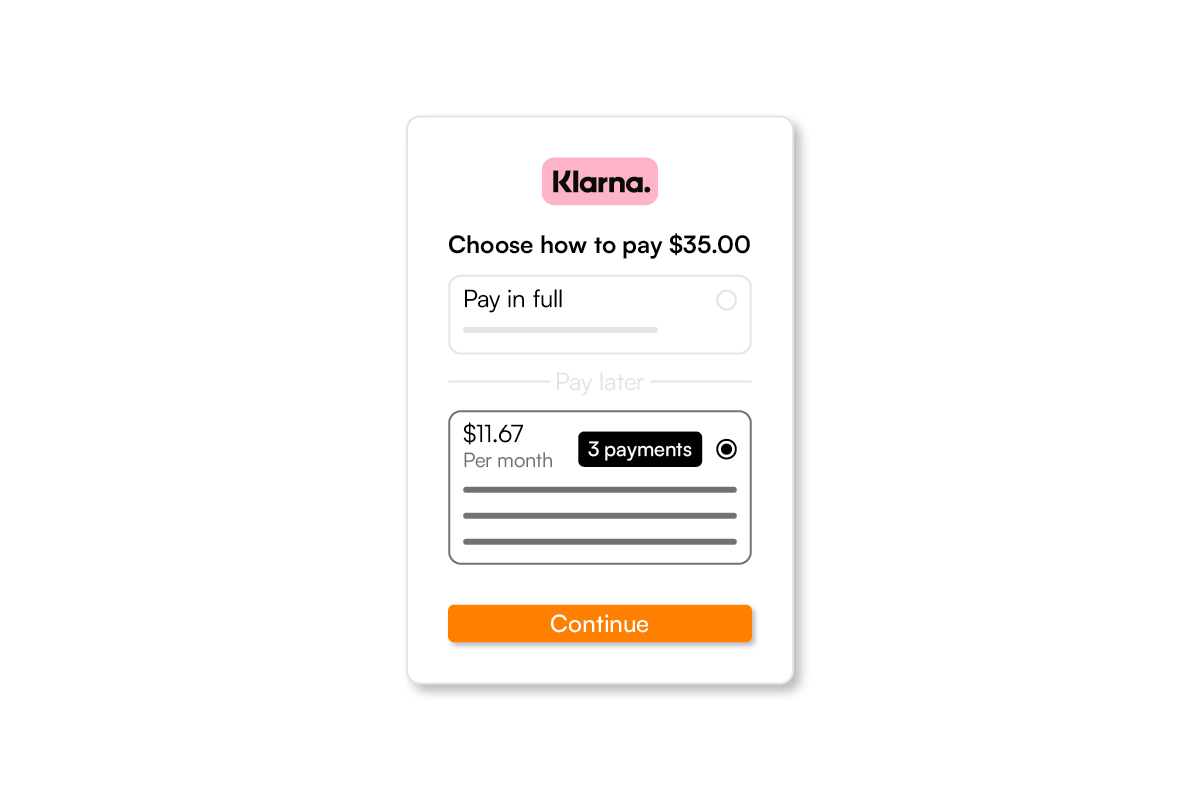
Tailor the purchase journey to minimise cart abandonment. Toggle off input-heavy billing address fields for low-risk items like drinks or donations, and automatically serve different checkout flows depending on the context. Plus, built-in „Buy Now, Pay Later“ options give audiences instant payment flexibility without extra integration work.

Coastal Maine Botanical Gardens · Original Photography by Spektrix

“Spektrix Payments gives us a safe way to take payments online and in person, including recurring donations and membership payments.”
More frictionless checkout features
Make every purchase easier to complete
-
One-click Apple Pay
Customers complete transactions instantly using payment and contact details stored securely in their digital wallet.
-
Direct checkout
Skip passwords and account creation while capturing complete customer records and purchase histories.
-
Flexible journey placement
Insert frictionless checkout triggers at any touchpoint, from initial seat selection to the basket page.
-
Toggleable billing addresses
Skip heavy data entry by hiding billing address fields for low-risk items like drinks and donations.
-
Buy Now, Pay Later
Provide immediate payment flexibility with buy now, pay later options through Apple Pay and Google Pay.
-
Smart basket eligibility
A centralised endpoint automatically checks basket contents to serve the most relevant, dynamic checkout flows.
Guidance and Resources
-
How to manage payments in Spektrix
-
7 Questions to ask about your payments process
-
How to accept Apple Pay and Google Pay
